Sound RadarAn arrow to where a sound came from, which follows your turns
Sound CompassA compass strip with recent sounds and your team on it
Combat ListenerA log of the gunfire and explosions around you, and a raid-nearby warning
Fights & clips
Learn from every fight, and keep the good ones.
Spray CoachRates every spray, Noob to Scripter, with your aim path
Crouch SensitivityAiming while crouched: its own sensitivity, so sprays need the same pull-down
Fight ReportWho killed you, how low they were, and a background check
ClippingAuto-clips your kills and deaths, hotkeys, continuous replay
Death CamA screenshot every time you die, named after your killer
Death RecallWhere your body is, how far, and how long it lasts
Screenshot+Screenshots that include your gamma, too
Stream MirrorShare your effects on Discord
Team & server
Your team, your base and your server, without alt-tabbing.
Rust+ LinkYour team's positions and chat from Facepunch's Rust+
Team RadarTeammates on a mini radar, with tracers on your screen
Team AlertsKnow the moment a teammate goes down, and where
CalloutsContact, help and a ping wheel, straight to team chat
Raid ResponseLive "what got destroyed" feed, and auto-join when raided
Base DevicesSmart switches on a key, and your TC's upkeep at a glance
TimersCountdowns with an alert: upkeep, raids, crafts
Event TrackerCargo, heli, Chinook and locked crates, with timers
Server HubRecent servers and the forced-wipe countdown
Wipe & Queue WatchPlayers, queue and last wipe of your servers, and an alert when one wipes
Position HUDYour grid and heading in a corner, no map needed
AFK GuardAn alarm when someone walks up while you're away or tabbed out
In-game EditorTap Right Shift in game: move overlays, switch modules
Four straight answers.
The questions every Rust player asks before running something new on their PC.
Is it a virus?
No. Every release publishes its SHA-256 fingerprint, and Refract's own updater refuses any download that doesn't match it. Check the file you got against this one:
Refract is a separate Windows app. It never reads or writes Rust's memory and never injects code into the game. Colour goes through Windows' display and your graphics card; overlays are their own windows drawn on top.
We can't speak for any anti-cheat or server admin, so check your server's rules. How it works, in full
Is it free?
Yes. Download it and use every module on this page for free. A paid tier is planned; what it adds isn't final yet. See plans
Does it work in fullscreen?
Partly. The gamma tone curves and NVIDIA Digital Vibrance live in your graphics card, so they work in exclusive fullscreen too. The full colour filter and every overlay need Rust in borderless or windowed mode.
It changes your screen, not your game.
Colour is applied in three layers on its way to your monitor. Each one can do something the others can't, and each one stops at your screen.
Digital Vibrance
Gamma table
Colour filter
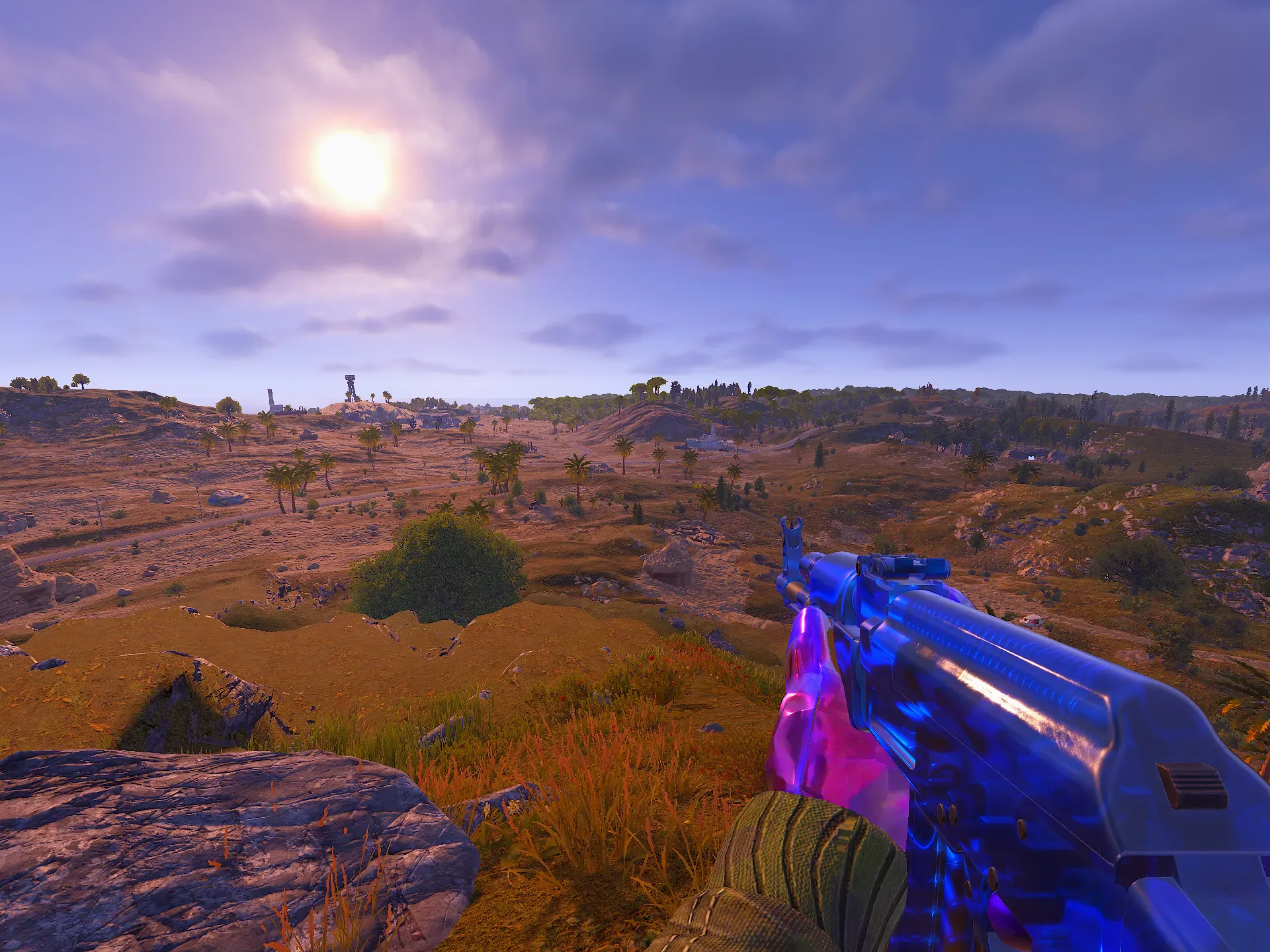
Rust's picture
Rust's picture
Windows' Magnification colour layer
Mixes channels, so it handles saturation, vibrance, temperature and hue across the whole screen.
Works in Borderless and windowed
Inside your graphics card, after everything else
Tone curves: film contrast, soft highlights, faded blacks and split tints. It costs no FPS.
Works in Everywhere, including exclusive fullscreen
NVIDIA's display hardware
The real non-linear boost: dull colours lift more than vivid ones.
Works in Everywhere · NVIDIA cards only
What Refract never does
Reads or writes Rust's memory
Injects code into the game
Changes game files, except your own client.cfg and keys.cfg when you apply settings or binds
Overlays such as Sound Radar and the crosshair are separate click-through windows drawn above the game. Rust+ Link uses Facepunch's own Rust+ companion service.
Free today. Pro is on the way.
Everything on this page is in the free download right now.
Free
€0
All 39 modules, every look, and automatic updates.